







 Web Based Solutions



 Mobile App Development


 UI/UX Design

 Digital Marketing



 Quality Assurance



 Managed IT Services

 Web Developers


 Mobile App Developers


 Frontend Developers



 Open Source Developers


 Microsoft Certified Developers




 Cross Platform Developers


 Quality Assurance


 Microsoft
 Open Source
 JS Frameworks

 Business Models
 Intellectual Property Protection
 IT Consulting Services
 IT Outsourcing Services
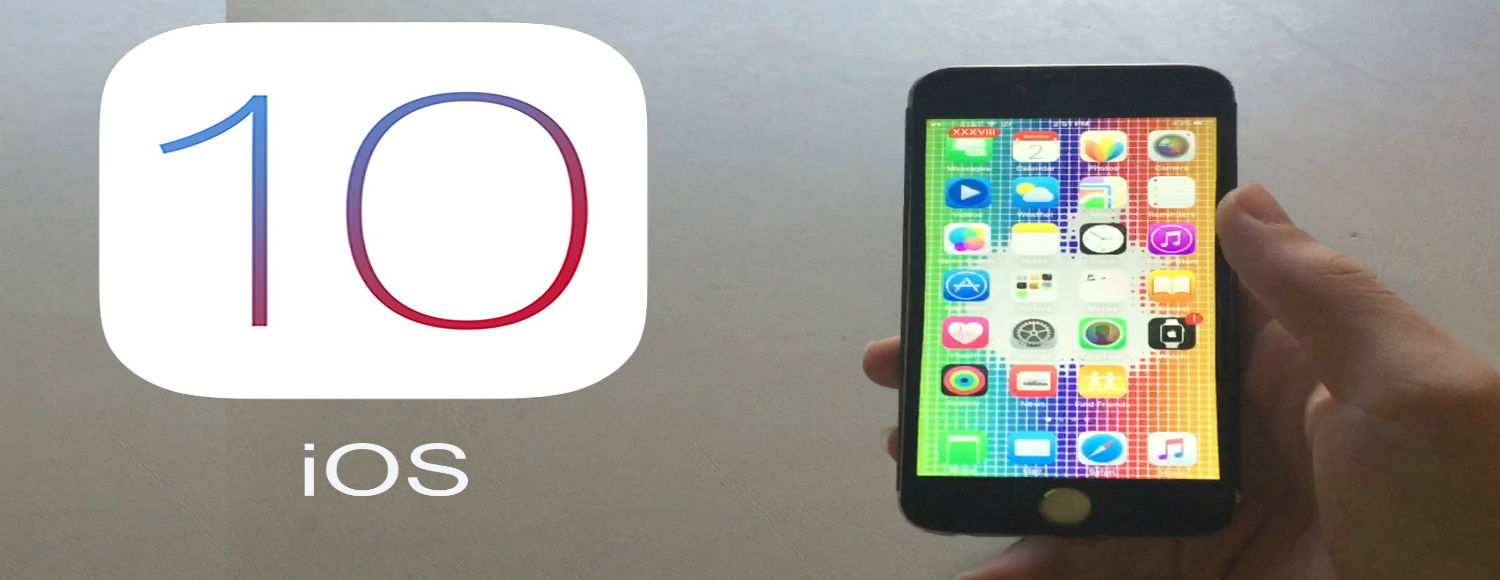
5 Things You Should Know Before Upgrading to iOS 10
Upgrading to iOS 10: What You Need to Know
Apple’s iOS 10 is finally available for the users. If you are not an early adopter of Apple’s latest iOS iteration, then fortunately, you have protected yourself from some pitfalls. Many users who upgraded to iOS 10 complained that the update put their phones into the recovery mode, which meant they had to wipe their device’s memory, reinstall iOS 9.3.5 and then try upgrading to iOS 10 again.
However, there are plenty of new features and tweaked old things in Apple’s iOS 10, and here are 6 most important things that you should know before upgrading upgrading to iOS 10.
The Bricking Problem Has Been Fixed: A group of iOS 10 users reported about a pretty serious issue with the iOS 10 immediately after the first update. According to them, upgrading to iOS 10 was causing their iPhones to become completely inoperable. Apple immediately addressed the issue and fixed it. Hence, if you were worried about this headache, then rest assured that the problem has been solved.
Different Lock Screen: The lock screen is obviously the first thing that comes into the notice. In iOS 10, the lock screen displays a lot of information about the upcoming calendar events, new stories, etc. You can edit this; hence, make sure, none of your sensitive information is displayed on the lock screen after upgrading to iOS 10.
Music is a Mess: In iOS 10, music comes with a big makeover, and this could be called as a lateral move by the Apple. It mainly trades old problems for new ones. For instance, now you cannot estimate the song length because Apple has wisely removed that information from the library screen.
Improved Apple Map: In iOS 10, along with Apple Music, Apple Map also received a major overhaul. The new Apple Map is better, cleaner, easier and precise. It is zippier and helpful. If you are driving through unknown routes, you can trust on Apple Map instead of Google Maps that suggests too many weird routes and dozens of turns.
Battery Drain: All the iOS 10 users have complained about the increased battery drain. It could be because of some background functions or the work that the iPhone does right after upgrading to the new iOS 10. If you already have a battery drain problem with your iPhone, then the chances are your problem may worsen with iOS 10.
To Conclude: iOS 10 includes plenty of new features and improvements, including Camera, Photos, Mail, Phone, Safari, and Messages apps to name a few. There are many subtle features; hence, iOS 10 is worth considering.
If you have any question regarding iOS 10, then feel free to contact us at Concept Infoway.


Content Gap Analysis: How to Find and Prioritize Missed Opportunities